
Accessibility Built In: ARIA Support in Reverb 2.0 (ePublisher 2025.1)
ePublisher 2025.1 adds built-in ARIA accessibility to Reverb 2.0, making online help easier to navigate for screen readers and keyboard users, without requiring manual remediation.

Erin West
Sales and Business Development Manager
Accessibility Built In: ARIA Support in Reverb 2.0 (ePublisher 2025.1)
Accessibility has become an increasingly important part of technical documentation as online help has become central to how users access information.
Ensuring that online help is usable by every reader, including those who rely on screen readers or keyboard navigation, is a key consideration for documentation teams. The challenge is supporting those needs without adding manual remediation or extra steps late in the publishing process. ePublisher 2025.1 addresses this by building comprehensive accessibility support directly into Reverb 2.0 output.
With this release, Reverb 2.0 introduces built-in ARIA support, HTML5 semantic landmarks, full keyboard navigation, and localized accessibility labels in 25 languages. The result is online help that is more usable, more inclusive, and easier to deliver with confidence.
ARIA Accessibility in Reverb 2.0
Reverb 2.0 includes a set of accessibility enhancements designed to support screen readers, keyboard navigation, and assistive technologies in a consistent and predictable way.
Landmark Navigation
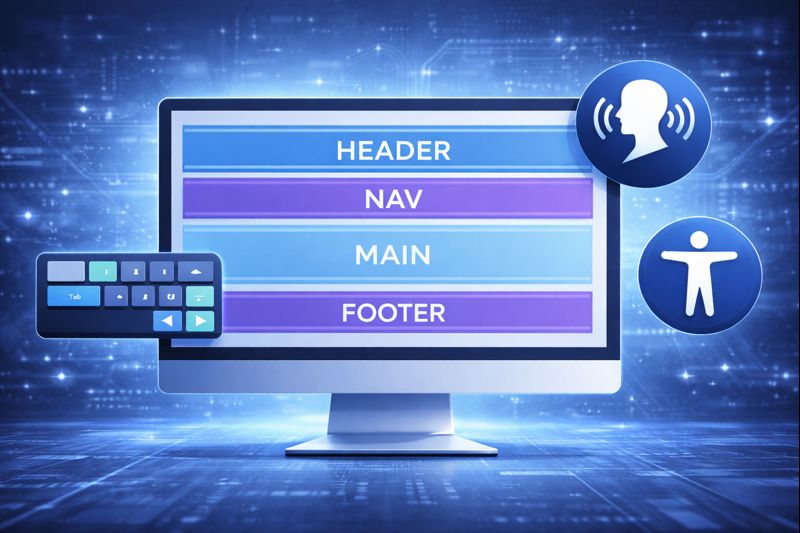
Screen reader users can quickly move through help pages using HTML5 semantic landmarks.
| Landmark | Purpose | User Benefit |
|---|---|---|
main |
Primary content area | Skip directly to topic content |
nav |
Navigation regions (TOC, breadcrumbs) | Find navigation quickly |
header |
Toolbar with search and controls | Access interface controls |
footer |
Page footer information | Locate supplementary links |
Screen reader users can press a single key to cycle through page regions instead of navigating element by element.
Keyboard Navigation and Shortcuts
Reverb 2.0 supports full keyboard navigation across the help system.
| Shortcut | Action |
|---|---|
| Alt+N | Next topic |
| Alt+P | Previous topic |
| Alt+Home | Home page |
| F6 | Cycle between page regions |
| Arrow Keys | Navigate tab interfaces |
| Tab / Shift+Tab | Move between interactive elements |
| Enter / Space | Activate buttons and links |
| Escape | Close lightbox or modal |
Keyboard navigation supports users who cannot use a mouse and provides a more efficient experience for many users.
Screen Reader and Focus Support
Reverb 2.0 uses ARIA attributes to clearly describe interactive elements to screen readers. Buttons, menus, and expandable sections announce what they are and whether they are open, closed, or selected, so users always understand the current state of the interface. Dynamic updates, such as search results or filtered content, use polite ARIA live regions so updates are announced without interrupting users.
Focus behavior is handled deliberately throughout the interface. When a dialog or lightbox opens, focus moves directly into it. When it closes, focus returns to the element that launched it. Search results receive focus automatically when they appear, so users can begin interacting with them immediately.
Together, these behaviors ensure that keyboard and screen reader users always know where they are and what just changed. Navigation feels predictable and intentional, rather than something added after the fact. The result is an experience that feels reliable and thoughtfully designed, rather than something added after the fact.
Accessibility Across Languages
ARIA labels in Reverb 2.0 are localized in 25 languages, including support for right-to-left languages such as Arabic. This allows global teams to deliver accessible help consistently across regions without additional localization effort.
What This Means for Documentation Teams
With Reverb 2.0, accessibility becomes part of the output rather than a separate step after publishing. Technical writers can focus on content quality and structure, while online help producers and software build teams benefit from fewer accessibility-related fixes late in the release cycle.
Reverb 2.0 supports common accessibility standards such as WCAG and Section 508 through built-in semantic structure, keyboard navigation, and ARIA roles. As always, content quality remains important, but the framework for accessibility is in place from the start.
A More Predictable Approach to Accessible Help
ePublisher 2025.1 treats accessibility as a core part of Reverb 2.0 output. By building ARIA support and accessibility features directly into the publishing process, teams can deliver help systems that are more inclusive, more reliable, and easier to maintain.
Reverb 2.0 with built-in ARIA support is available as part of ePublisher 2025.1.
If you’d like to explore these accessibility enhancements in your own projects, ePublisher 2025.1 makes them available out of the box.
- Download ePublisher 2025.1 — Start working with Reverb 2.0 and its built-in accessibility support.
- View the 2025.1 release notes — See the full list of accessibility, SEO, and workflow updates included in this release.
- Contact our team — Questions about upgrading or evaluating ePublisher for your documentation workflow.